

Bwat CLI
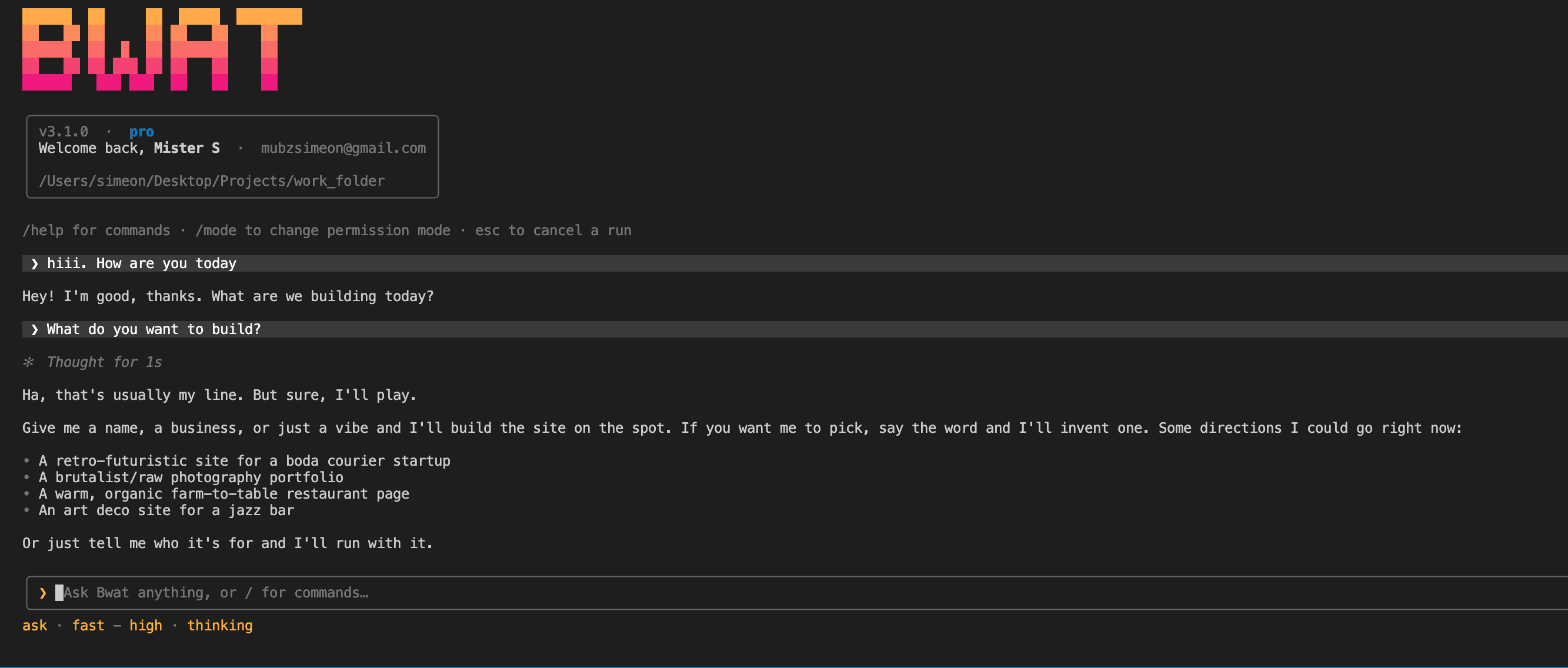
Bwat in your terminal
The same agent as the VS Code extension, without the editor. Run it in any folder, over SSH on a server, or from a script. It installs with one command.
Needs Node.js 22 or newer. Runs on Windows, macOS and Linux.
Four ways to run it
Open it for a back-and-forth session, fire off a single request, feed it the output of another command, or pick up where you left off yesterday.
$ bwat
Start a session in the current folder.
$ bwat -p "why is the build failing?"
Run one request, print the answer, and exit.
$ tail -n 200 app.log | bwat -p "what went wrong?"
Pipe in logs or command output as context.
$ bwat --continue
Pick up the last conversation for this folder.
Built for the shell
Read, edit and run
Works across the folder, runs commands, checks the results and keeps going.
Fix it where it broke
SSH into the server and run Bwat there, next to the logs and the config.
Script it
Use -p in scripts and CI. Unattended runs only work in folders you've explicitly allowed.
Split up big jobs
Bwat can send helpers off to explore or review while the main task carries on.
History by folder
Conversations belong to the folder you ran them in, so --continue finds the right one.
Your Bwat account
Sign in once through your browser. There are no API keys to manage.
CLI or VS Code?
- Can the CLI do everything the extension can?
- The agent and its tools are the same. VS Code adds editor context and diffs you can edit. The CLI adds pipes, one-shot runs, SSH and scripting.
- Can I go back to earlier work?
- Yes. bwat --continue opens the most recent conversation for the folder, and bwat --resume lets you pick one.
- Can a script call it?
- Yes. Use -p (or --prompt) for a single run and pipe extra context through standard input. For unattended runs you have to allow the folder explicitly first.
Install it and type bwat
Run npm i -g bwat, go into a project, and type bwat. The docs cover permissions, sessions and headless use.